Dictating end-of-day status updates instead of typing them out
On this page
Why Voice Dictation for Slack
Makes Sense
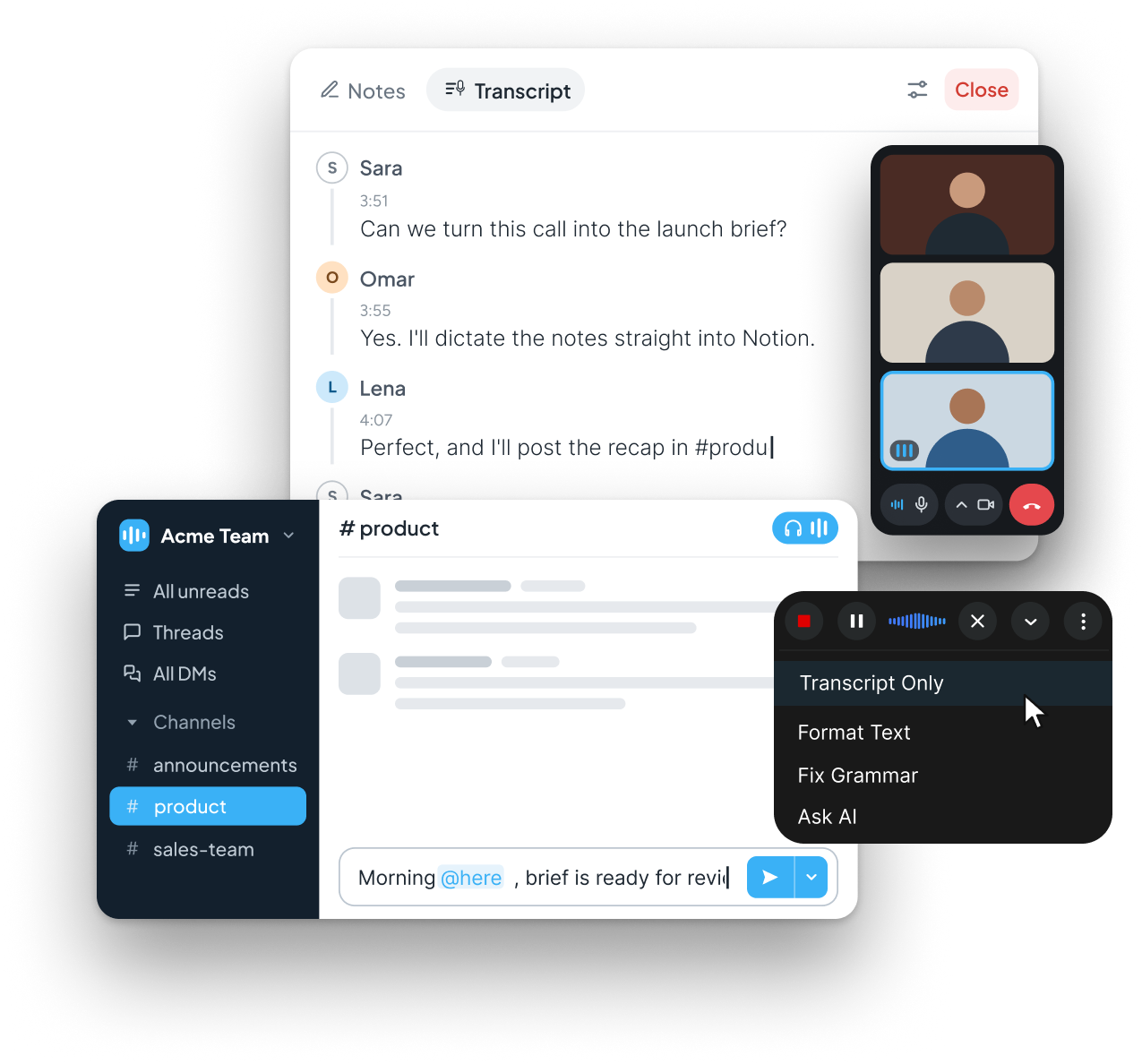
Slack moves fast. Typing out a detailed update, a status message, or a reply to a thread mid-conversation slows you down and breaks your focus. With Zero Typing AI, you can dictate messages into Slack exactly as you'd say them, and they land in the message box ready to send — punctuation, formatting, and all.
Common ways teams use voice dictation in Slack:
Replying to threads hands-free while multitasking
Leaving longer, more thoughtful messages without the typing fatigue that usually shortens them
Speaking quick huddle recaps directly into a channel
Because Zero Typing AI works at the operating system level rather than inside a single app, it works in the Slack desktop app exactly the same way it works everywhere else on your machine.
Why Voice Dictation for Notion
Makes Sense
Notion is where plans, docs, and knowledge bases live, which means it's also where typing fatigue hits hardest. Long-form docs, meeting notes, and project pages all take real time to write by hand. Voice dictation for Notion changes that: speak your outline, your notes, or your full draft, and Zero Typing AI transcribes it directly into the page.
Common ways teams use voice dictation in Notion:
Talking through meeting notes right after a call, instead of typing from memory
Drafting project briefs and specs out loud
Building out wikis and SOPs faster by speaking full paragraphs at once
Capturing ideas in a Notion page before they're lost
If you already dictate into other document tools, the experience will feel familiar; it's the same engine behind voice typing for Google Docs, just pointed at Notion instead.
Dictate Messages in Slack and
Notion: Without Switching Tools
The real advantage of Zero Typing AI isn't that it works in Slack or Notion — it's that it works in both, along with everywhere else you type. You don't need a Slack-specific plugin and a separate Notion integration. One dictation tool follows you across every app on your desktop.
That matters most for anyone jumping between a fast-moving chat tool and a slower, more deliberate writing tool in the same afternoon.
Built for Accuracy, Not Just Speed
Voice dictation is only useful if it gets your words right. Zero Typing AI is built with:
Personal Dictionary: teach it your product names, client names, and industry terms so they transcribe correctly every time, in Slack and in Notion
AI-powered automatic language detection: no manual language switching mid-message
Prompt-based rewriting: clean up grammar, adjust tone, or reformat a rough dictation into a polished Notion doc or a professional Slack message.
Want to see how the rewriting prompts work in more depth? Check the AI prompting guide for examples you can reuse.
Watch our Demo for seamless experience!Who Uses Voice Dictation in Slack
and Notion
Business professionals — faster status updates and cleaner documentation without slowing down the day
Content creators — dictate drafts into Notion, then move them wherever they're published
Students and educators — capture notes and outlines by speaking instead of typing
Healthcare and legal professionals — dictate detailed notes accurately, with custom terminology support via Personal Dictionary
Pricing
Zero Typing AI is free to start:
ZT Basic (Free)
15 minutes of audio transcription per week, Personal Dictionary, basic prompt selection.
ZT Pro
($8/month, 20% off annual billing)
unlimited transcription, unlimited words, custom prompt creation, and early access to new features
See full plan details on the pricing page.