Long, detailed prompts — dictate full paragraphs of context, instructions, and examples without your hands tiring out
Speak Prompts to ChatGPT: Why
Voice Dictation Works So Well for
AI Chat Tools
Prompting is different from most typing. Good prompts are long, conversational, and full of context — exactly the kind of writing that's slow to type but fast to say. Voice dictation for AI chat tools closes that gap:
Iterating quickly — refine a prompt out loud and resend it instead of editing word by word
Pasting in reference text — dictate quotes, data points, or notes directly into the chat window as you think through them
Because Zero Typing AI works in any app with a text field rather than as a tool-specific plugin, it works the same way whether you're in ChatGPT in your browser, the Claude desktop app, or Gemini: AI voice typing works for the technical rundown.
Dictate Prompts to
Claude and Gemini
the Same Way
Once it's set up, there's nothing extra to configure per app. Dictate prompts to Claude, switch to Gemini for a second opinion, then drop back into ChatGPT — Zero Typing AI follows you across all three without reconfiguring anything. That's the advantage of one dictation layer instead of three separate integrations.
1Dictate prompts to Claude
ClaudeDraft a launch email for our new feature, friendly but concise.
Dictated2Switch to Gemini for a second opinion
GeminiGive me a second opinion on this draft. What would you change?
Dictated3Drop back into ChatGPT
ChatGPTTurn the final version into three subject line options.
Dictated

No per-app setupSame voice everywhere
This is especially useful if you already use Zero Typing AI elsewhere in your workflow, the same engine behind voice typing for Google Docs and voice typing for Slack and Notion works identically here, so your prompts, docs, and messages all go through the same voice. Drafting a lot of email with AI help too? See the fastest way to write emails without typing. Not sure dictation beats your built-in options? See our voice typing vs built-in dictation comparison.
Built for Precision
Prompting, Not Just Speed
A prompt with the wrong word or a mangled technical term wastes a whole response. Zero Typing AI is built to keep that from happening:
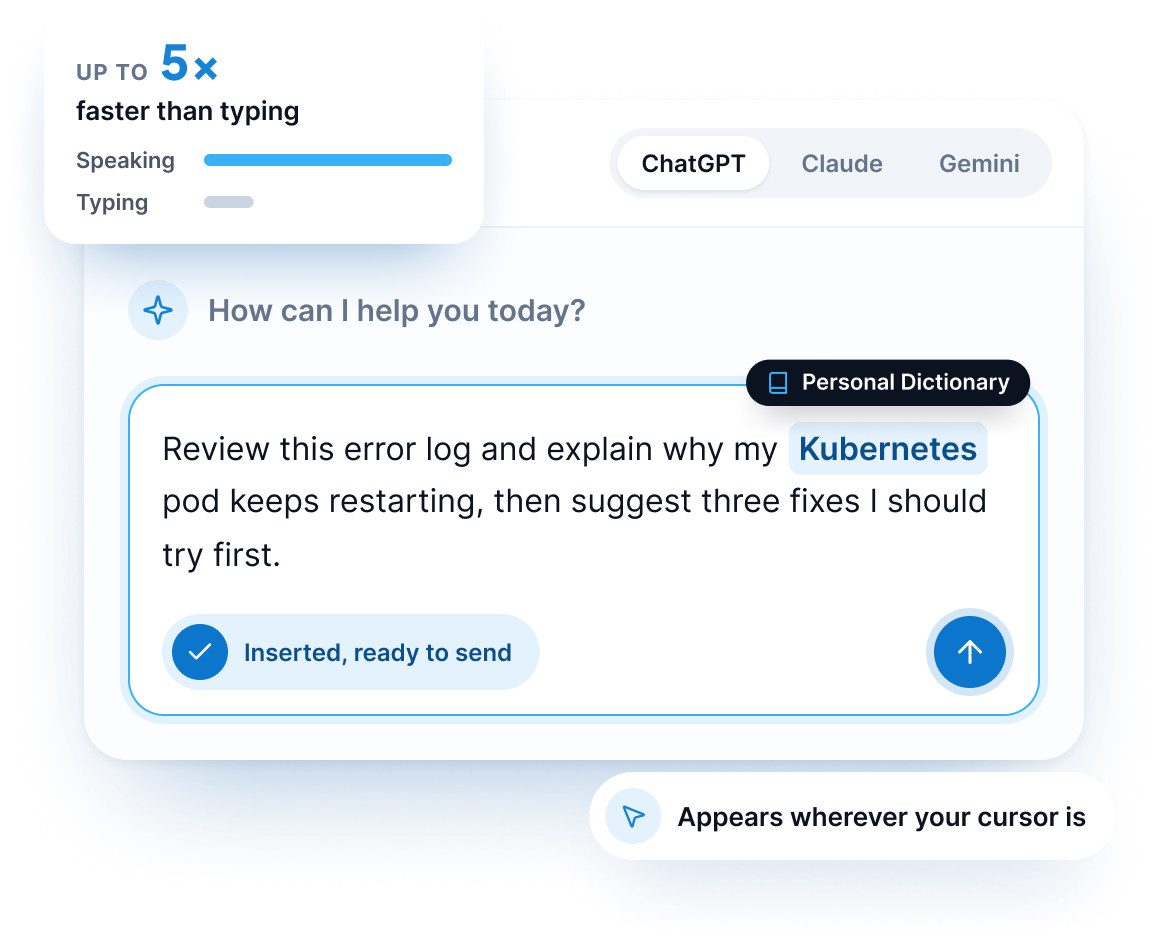
Personal Dictionary — teach it product names, technical terms, and jargon specific to your work so they transcribe correctly in every prompt
AI-powered automatic language detection — dictate in whichever language you're thinking in without switching settings
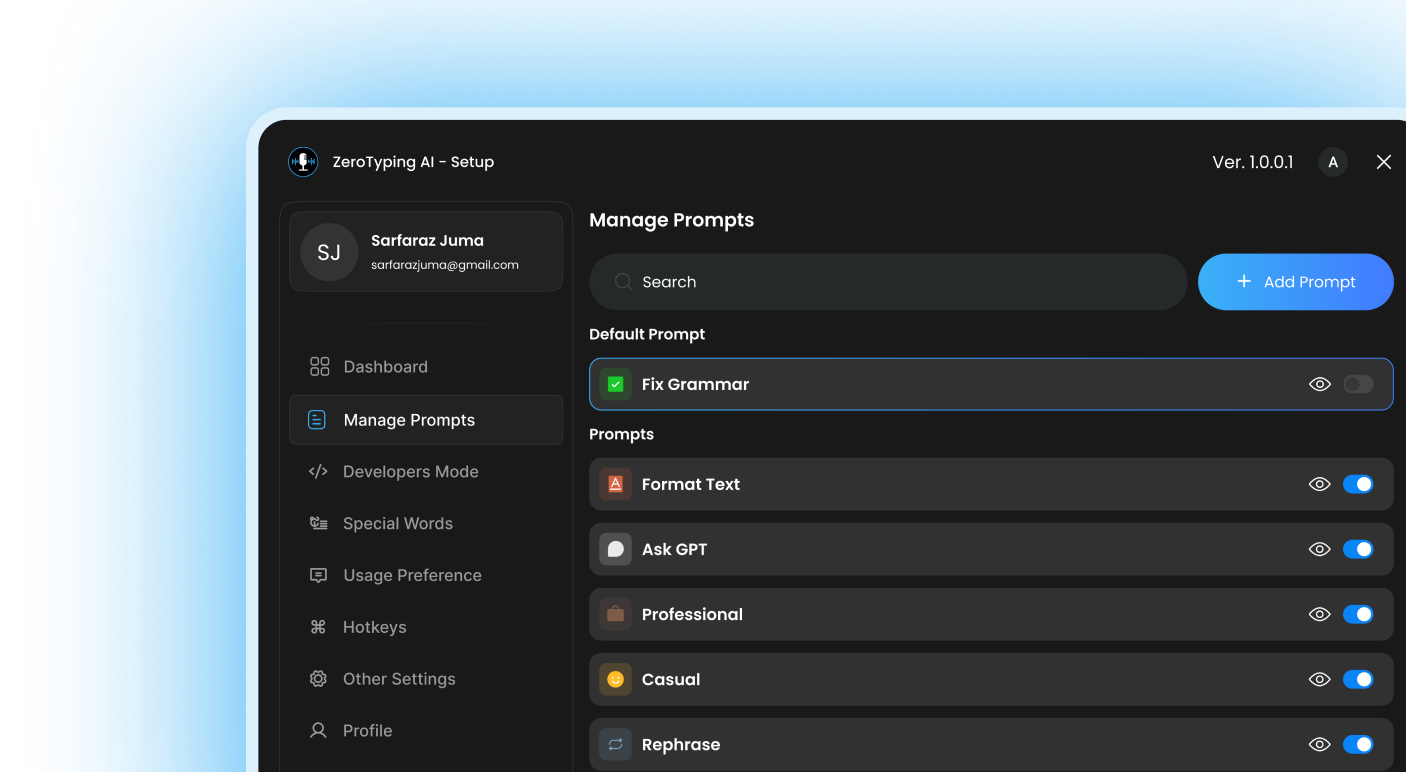
Prompt-based rewriting — clean up a rough spoken draft with built-in prompts like Fix Grammar or Writing Tone before you hit send, so your dictated prompt reads as sharp as a typed one
For a step-by-step walkthrough on writing stronger prompts by voice, read our guide to dictating better AI prompts.
See it in action.
Watch the Zero Typing AI demo to see voice dictation working live in ChatGPT, Claude, and Gemini.
Who This Is For
Developers and technical professionals — dictate detailed debugging prompts and code explanations without breaking flow
Content creators and marketers — speak out full briefs and outlines for AI tools to work from
Researchers and students — dictate long, context-heavy prompts for summarizing or analyzing material
Business professionals — draft emails, reports, and messages by prompting an AI tool entirely by voice, start to finish
Pricing
Zero Typing AI is free to start:
ZT Basic
Free
Start your ZT journey:
- 15 minutes audio transcription per week
- Personal Dictionary
- Basic Prompt Selection
- Translate and Transcribe audio
ZT Pro
$8.00 /month
Get all premium ZT features. Everything in basic plus:
- Unlimited words per week
- Unlimited audio transcription per week
- Custom prompt creation
- Early access to new features
See full plan details on the pricing page.
Frequently Asked Questions
Zero Typing AI works in any app with a text field, so it covers browser-based chat tools as well as native desktop apps.
Zero Typing AI's automatic language detection transcribes what you say accurately; translation and response language depend on the AI tool you're prompting.
Yes — the Personal Dictionary stores custom terms so they come through correctly every time you dictate a prompt.
Yes — ZT Basic includes 15 minutes of transcription per week at no cost. Need help getting set up? Visit the Help Center.
Ready to stop typing
your prompts?
Download Zero Typing AI free and start speaking to ChatGPT, Claude, and Gemini today.